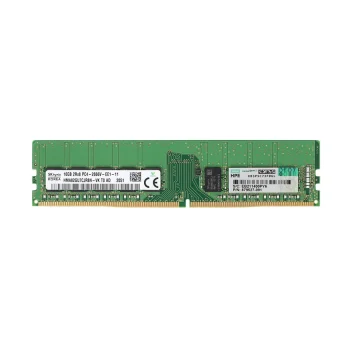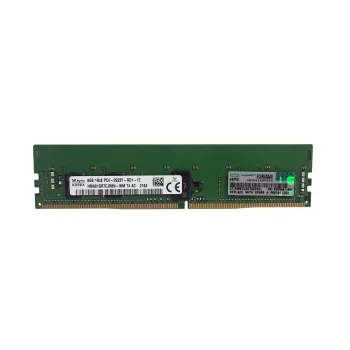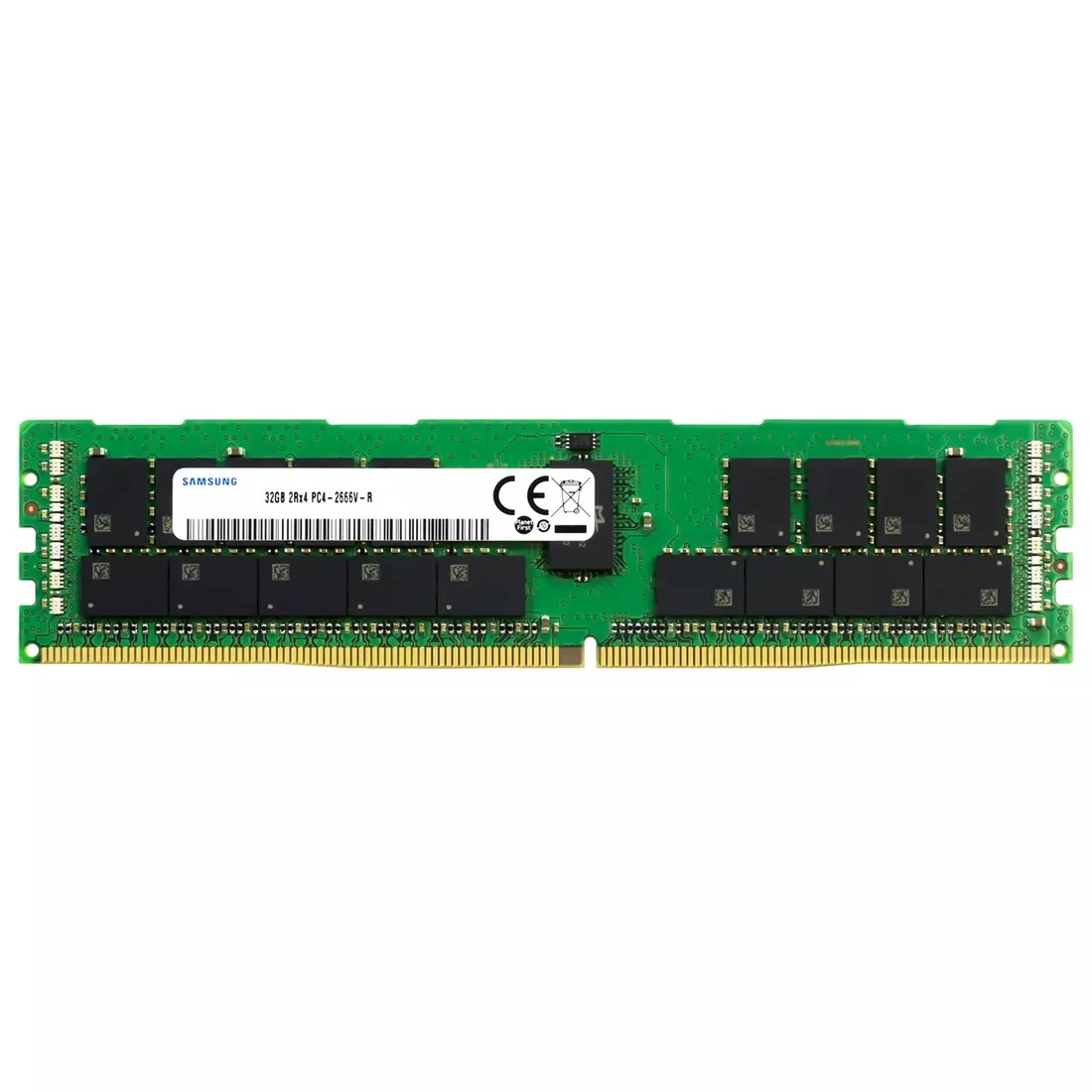
SAMSUNG 32GB M393A4K40CB2 2RX4 PC4-2666V
650.00 AED Original price was: 650.00 AED.550.00 AEDCurrent price is: 550.00 AED.
- Sold By : Cloudshare Tech
- Delivery Within 7 Working Days
| Condition | New |
|---|---|
| Warranty | 1 Month |
| Shipping | Ready to Ship |
SAMSUNG 32GB M393A4K40CB2 2RX4 PC4-2666V
SAMSUNG M393A4K40CB2 is a 32GB DDR4 SDRAM module designed specifically for servers and enterprise systems. It operates at a 2666 MHz speed (PC4-2666V) and uses Error-Correcting Code (ECC) technology with Registered (RDIMM) buffering for enhanced data integrity and reliability.
Technical Specifications
Memory Type and Capacity
This module is a DDR4 SDRAM memory stick with a 32 GB capacity, making it well suited for environments that demand substantial memory, such as virtualization, large databases, and intensive computing tasks.
Bus Speed & PC4-2666V Standard
The “PC4-2666V” designation refers to its data transfer performance—about 2666 million data transfers per second—which translates to smooth multitasking and quick access times compared with older memory standards.
CAS Latency and Timings
With a CAS latency (CL) of 19, this module balances speed and stability, ensuring predictable performance in demanding workflows.
Voltage & Power Efficiency
Running at a low 1.2 V, this memory is efficient in power usage, reducing heat and energy costs over long server uptime.
What Does 2RX4 Mean?
Understanding Memory Rank
The “2Rx4” label describes how the memory chips are organized internally—2 ranks with x4 data width—which improves performance and reliability in multi-core server CPUs.
Benefits of Dual-Rank Modules
Dual-rank designs can improve performance under heavy loads compared to single-rank modules. They also help servers manage workloads more efficiently.
ECC Registered (RDIMM) Explained
What is ECC Memory?
ECC stands for Error-Correcting Code, a type of memory that can detect and correct single-bit errors on the fly—vital for mission-critical systems where data integrity is non-negotiable.
Registered vs. Unbuffered Memory
Registered memory (RDIMM) uses an additional register to buffer commands, improving stability and scalability in servers compared with unbuffered modules typically found in desktops.
Why ECC RDIMM Matters for Servers
ECC RDIMM modules reduce data corruption and system crashes—making them essential for enterprise servers, cloud platforms, and critical workloads.
Performance Features
Fast Data Transfer Rates
With DDR4-2666 speed, this module delivers fast performance suitable for virtualization, database processing, and complex analytics.
Reliability in High-Demand Environments
The combination of ECC and registered design provides enterprise-grade reliability—especially important in data centers where uptime matters.
Compatibility
Supported Hardware Platforms
These memory sticks are compatible with most server motherboards supporting DDR4 ECC RDIMM formats (e.g., Dell, HPE, Supermicro).
Server vs. Desktop Compatibility
Unlike standard desktop RAM, RDIMM ECC modules will not work in consumer motherboards due to differences in support for ECC and registered architecture.
Real-World Use Cases
Data Centers & Virtualization
Large memory capacity allows virtual machines to run simultaneously with minimal latency.
Enterprise Workloads & Databases
High-capacity ECC memory improves database reliability and reduces crash risks during critical transactions.
Scientific & Analytic Computing
DDR4-2666 modules are ideal for analytics workloads requiring stable, fast memory access.
Installation & Best Practices
How to Install Server Memory
Always power down and discharge static before installing into DDR4-compatible DIMM slots.
Pairing Modules
For balanced performance, install memory modules in matched pairs across channels.
Buying Guide
New vs. Refurbished Modules
Refurbished options (like the refurbished versions of this module) are available at lower cost but verify warranty and condition.
Price Considerations
Prices can vary widely based on condition, batch, and vendor; reputable sellers often offer better support.
Warranty & Vendor Trust
Look for reputable vendors who offer returns and warranties to protect your investment.
Troubleshooting & Tips
Common Issues
If memory isn’t detected, check BIOS settings or ensure it’s installed in the correct slots.
BIOS Memory Settings
Ensure ECC and registered memory support is enabled in server BIOS for optimal performance.
Future-Proofing Your Server RAM
Planning for Upgrades
Consider modules with higher capacity or newer DDR5 formats for future servers.
DDR4 vs. DDR5 Trends
DDR5 offers higher throughput and efficiency but requires compatible platforms—still, DDR4 remains a strong choice for many servers today.
| Condition | New |
|---|---|
| Warranty | 1 Month |
| Shipping | Ready to Ship |