Choosing the right server is one of the most important decisions for any business IT infrastructure. A reliable server ensures smooth operations, secure data storage, and the ability to run critical applications efficiently. Among enterprise server brands, Dell PowerEdge servers are widely recognized for their performance, reliability, scalability, and advanced management tools.
Businesses around the world rely on Dell servers to power virtualization environments, data centers, business applications, and cloud platforms. However, selecting the right Dell server model is not always straightforward. Companies must consider multiple factors including workload requirements, CPU performance, memory capacity, storage configuration, and future scalability.
In this comprehensive guide, we explain how to choose the right Dell server for your business in 2026, covering everything from processor selection to networking and storage options.
Understanding Your Business Workload
Before purchasing a server, the first step is identifying the type of workload your organization needs to run. Different workloads require different server configurations.
Common enterprise workloads include:
- Virtualization platforms (VMware, Hyper-V)
- Database servers
- Web hosting
- Cloud applications
- File storage servers
- Backup and disaster recovery
- AI and data analytics
For example, virtualization environments require servers with high CPU core counts and large memory capacity, while file servers may require larger storage capacity rather than extreme processing power.
Understanding your workload helps ensure that you choose a Dell server that delivers both performance and efficiency.
Choosing the Right Dell Server Form Factor
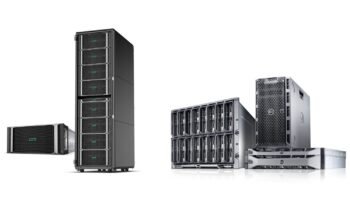
Dell PowerEdge servers are available in several form factors designed for different business environments.
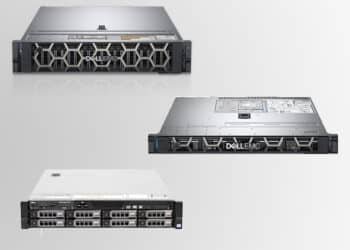
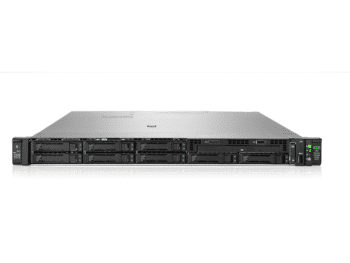
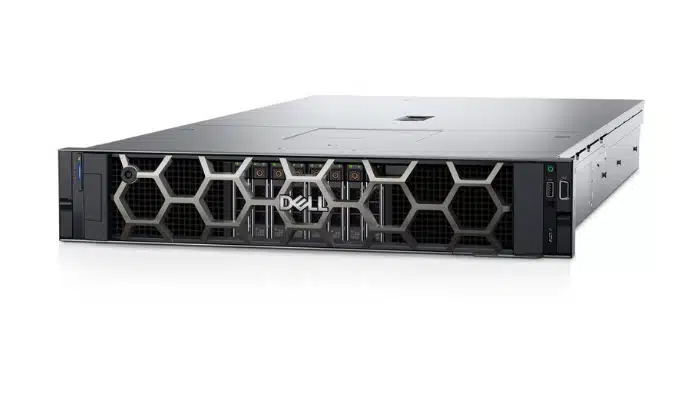
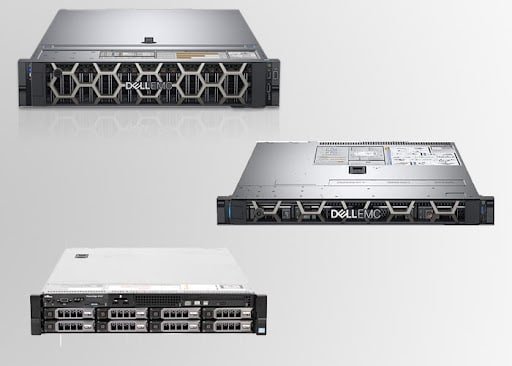
Rack servers are the most common server type used in modern data centers. These servers are installed in server racks and allow multiple systems to be stacked vertically.
Rack Servers
Benefits of rack servers include:
- Efficient space utilization
- Easy scalability
- Better airflow and cooling
- Centralized infrastructure management
Popular rack server models include:
- Dell PowerEdge R650
- Dell PowerEdge R760
- Dell PowerEdge R750
Rack servers are ideal for data centers, virtualization environments, and enterprise IT infrastructure.
Tower Servers
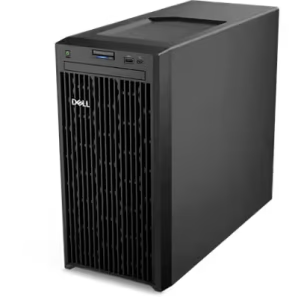
Tower servers look similar to traditional desktop computers and are commonly used by small and medium-sized businesses.
Advantages include:
- Lower initial cost
- Quiet operation
- No rack required
- Simple deployment
A popular example is:
- Dell PowerEdge T350
Tower servers are ideal for small offices that require basic server capabilities such as file sharing or application hosting.
Blade Servers
Blade servers are high-density servers used in large enterprise environments and data centers.
Key advantages include:
- Maximum computing density
- Shared power and cooling
- Efficient resource management
Blade servers are typically used by large enterprises running complex workloads such as cloud computing or large-scale virtualization.
Processor Selection (CPU)
The processor is the most important component in any server. Dell servers typically support Intel Xeon Scalable processors or AMD EPYC processors, both designed specifically for enterprise workloads.
Important CPU considerations include:
- Number of cores
- Clock speed
- Multi-thread performance
- Power efficiency
For example:
- Small business servers often use Intel Xeon Silver processors
- Mid-range enterprise servers use Intel Xeon Gold processors
- High-performance servers may use Intel Xeon Platinum processors
Higher core counts are particularly important for virtualization and database workloads.
Memory Requirements (RAM)
Memory capacity plays a critical role in server performance, especially for applications that process large amounts of data.
General RAM recommendations include:
- Small businesses: 32GB – 64GB RAM
- Medium workloads: 128GB RAM
- Enterprise virtualization: 256GB RAM or more
Dell PowerEdge servers support ECC (Error Correcting Code) memory, which helps detect and correct memory errors, ensuring system reliability and uptime.
For virtualization platforms such as VMware or Microsoft Hyper-V, larger memory capacity is essential because each virtual machine requires dedicated RAM.
Storage Options for Dell Servers
Storage configuration is another critical factor when choosing the right server.
Dell servers support several storage technologies including:
SAS Drives
SAS drives offer high reliability and are commonly used in enterprise storage environments.
SATA Drives
SATA drives are more affordable and are often used for archival storage.
SSD Drives
Solid State Drives provide significantly faster performance than traditional hard drives.
NVMe Drives
NVMe SSDs deliver the highest storage performance and are ideal for high-performance workloads such as databases or analytics platforms.
Many modern Dell servers support hybrid storage configurations, combining SSD and HDD drives to balance performance and capacity.
RAID Configuration for Data Protection
RAID (Redundant Array of Independent Disks) technology helps improve both data protection and storage performance.
Common RAID levels include:
- RAID 1 – Data mirroring for redundancy
- RAID 5 – Balanced performance and storage efficiency
- RAID 10 – High performance with strong redundancy
Dell servers use dedicated RAID controllers to manage RAID configurations efficiently. RAID helps protect critical business data from hardware failures.
Networking and Connectivity
Modern businesses rely heavily on fast and reliable networking infrastructure. Dell servers support multiple networking options depending on business requirements.
Common server networking speeds include:
- 1Gb Ethernet
- 10Gb Ethernet
- 25Gb Ethernet
High-speed networking is especially important for:
- virtualization environments
- cloud infrastructure
- storage networks
- large-scale databases
Faster networking reduces latency and improves overall system performance.
Scalability and Future Expansion
One of the biggest advantages of Dell PowerEdge servers is their scalability. Businesses should always choose a server that allows room for future upgrades.
Important scalability features include:
- Additional drive bays
- Extra memory slots
- PCIe expansion slots
- GPU support
- additional network adapters
Planning for future expansion ensures that your server infrastructure can grow alongside your business without requiring expensive replacements.
Dell Server Management Tools
Dell servers include powerful management software that simplifies server administration.
One of the most widely used tools is Dell iDRAC (Integrated Dell Remote Access Controller).
Key features include:
- Remote server monitoring
- Hardware diagnostics
- Firmware updates
- Remote power management
These features allow IT administrators to manage servers remotely, improving efficiency and reducing downtime.
Why Businesses Choose Dell PowerEdge Servers
Dell PowerEdge servers remain one of the most trusted enterprise server solutions because they offer:
- High performance processors
- Flexible storage configurations
- Advanced security features
- Reliable system management tools
- Excellent scalability
These features make Dell servers suitable for a wide range of business environments, from small offices to large enterprise data centers.
Conclusion
Selecting the right Dell server requires careful evaluation of your organization’s workload requirements, processing needs, memory capacity, storage performance, and future scalability.
By choosing the appropriate Dell PowerEdge server model, businesses can build reliable IT infrastructure capable of supporting critical applications, improving operational efficiency, and enabling future growth.
Whether your organization needs a small business server, a virtualization platform, or a powerful enterprise data center solution, Dell servers provide the flexibility, performance, and reliability required to support modern business operations in 2026 and beyond.
Dell PowerEdge Servers for Enterprise Workloads in 2026
Dell PowerEdge servers are among the most trusted enterprise server solutions in the global IT market. Businesses, data centers, cloud…

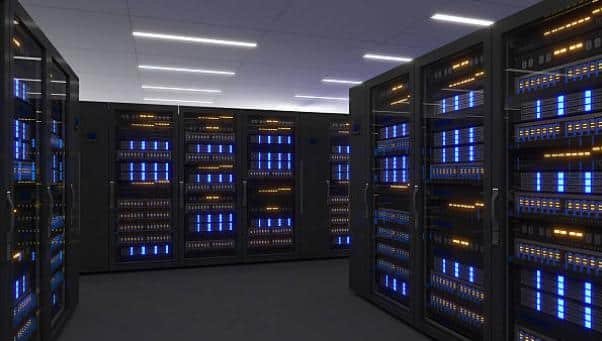
Best Rack Servers for Small Business and Data Centers
Best Rack servers are the backbone of modern IT infrastructure. From small businesses to large data centers, organizations rely on…
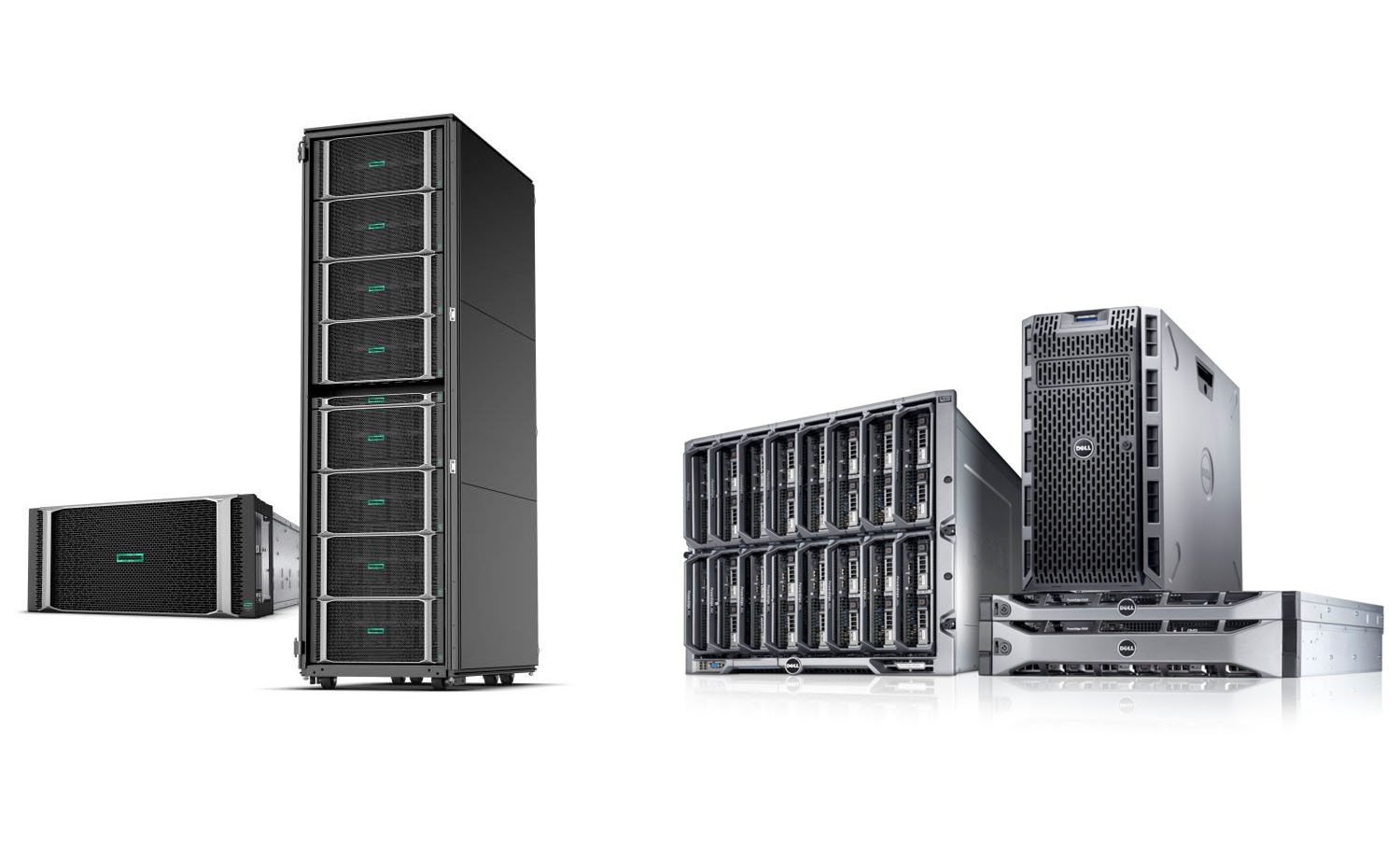
HPE vs Dell Servers: Which One Is Better for Enterprise
Introduction to HPE vs Dell Servers When businesses build enterprise IT infrastructure, one of the most common questions is HPE vs…
How to Choose the Right Dell Server for Business in
Choosing the right server is one of the most important decisions for any business IT infrastructure. A reliable server ensures…
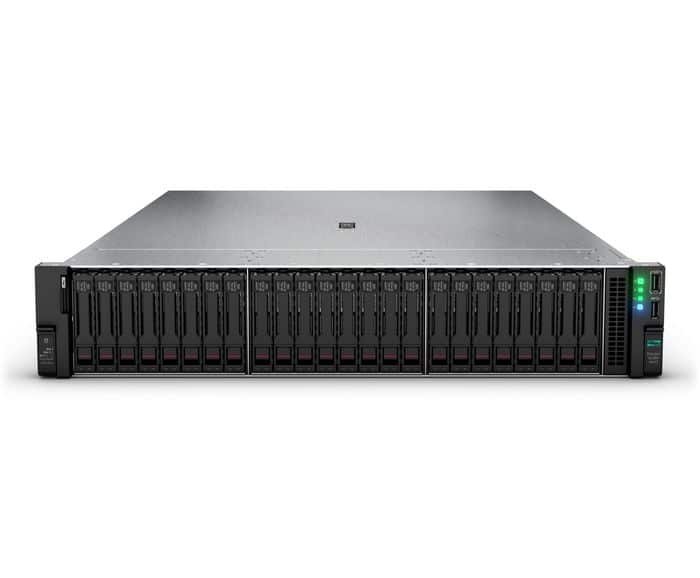
Complete Guide to HPE Gen11 Storage Upgrades and Drive Cage
Upgrading storage in an HPE Gen11 Storage Upgrades is one of the most important steps in improving system performance, expanding…
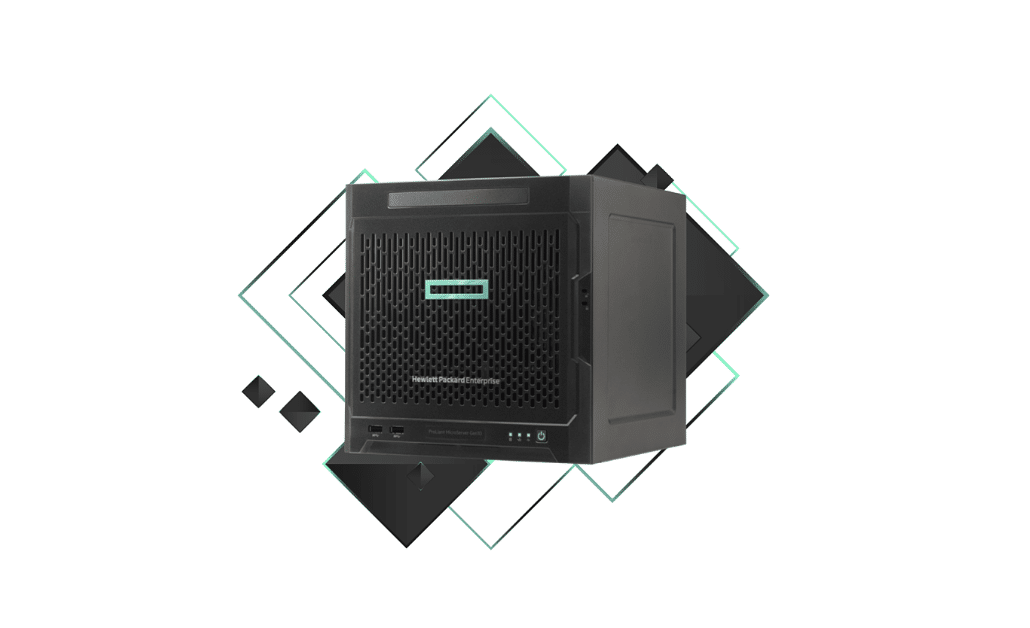
Best HPE Servers for Small Business – serverparts in dubai
Best HPE Servers for Small Business – Complete Buying Guide Choosing the right server is a critical decision for any small…