IBM server parts replacement guide
IBM server parts replacement guide have powered enterprise operations for decades, known for their reliability and robust architecture. But like any hardware, performance declines over time — and that’s where smart part replacement comes in.
This IBM server parts replacement guide shows you which components to upgrade first to maximize uptime, enhance performance, and extend server lifespan.
🔧 1. Start with Memory (RAM) Upgrades
If your IBM server is running slow, the first place to look is RAM. Adding more ECC memory modules can significantly improve:
- Virtual machine performance
- Database transaction speed
- Multi-user response time
Compatible Models:
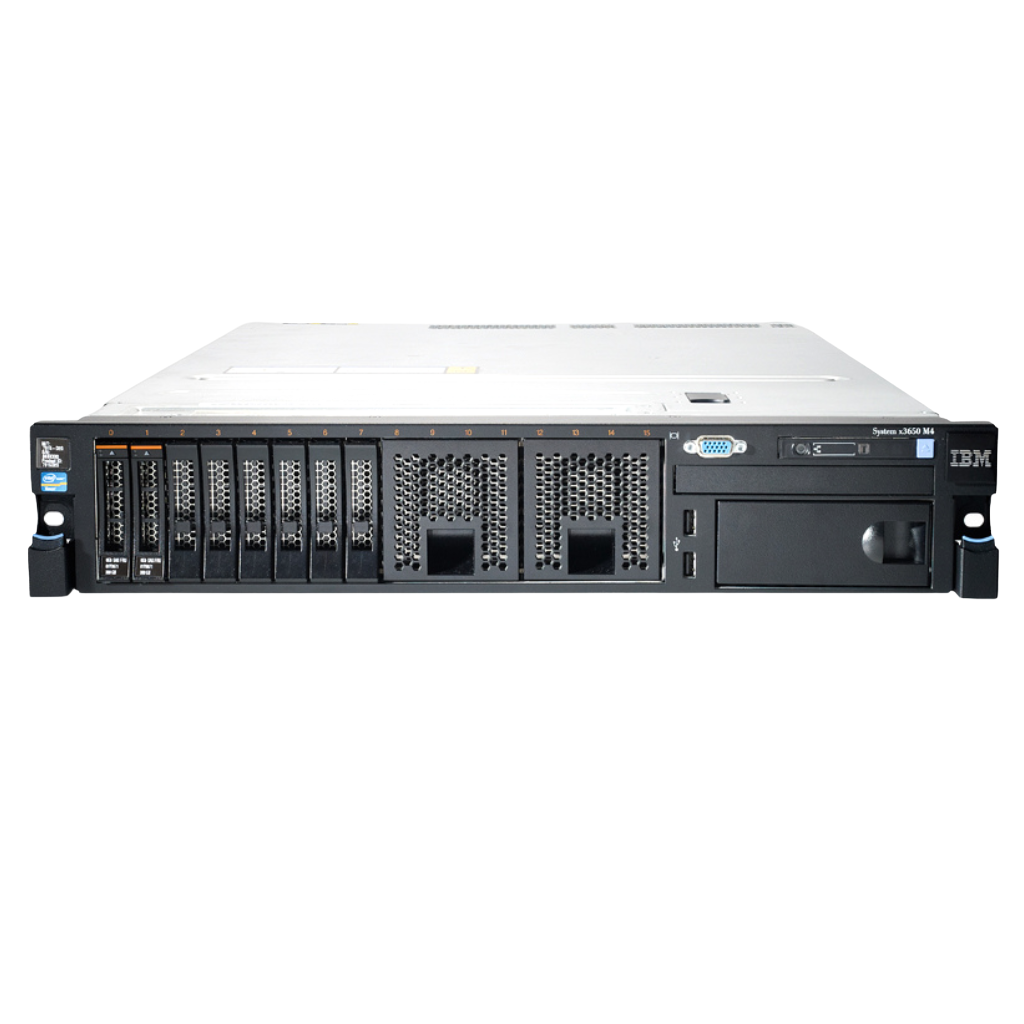
- IBM x3650 M4 → DDR3 ECC RDIMM
- IBM x3650 M5 → DDR4 ECC RDIMM
Tip: Always match RAM speed and type across all modules.
IBM server parts replacement guide
🔧 2. Replace Failing or Slow Hard Drives
Old or failing disks are a major cause of server crashes and data loss. Upgrade to:
- SAS 10K/15K drives for better IOPS
- SSD (SATA or NVMe) for faster boot and read/write
- Hot-swappable bays for easy maintenance
Popular Replacements:
- IBM 00Y2519 (1.2TB SAS 10K)
- IBM 00AJ355 (800GB Enterprise SSD)
💡 SSDs are ideal for applications requiring fast disk access like ERP systems or virtualization.
🔧 3. Swap Out Power Supplies (PSUs)
If your IBM server randomly reboots or fails under load, the power supply might be failing. Replacing with an original IBM PSU helps avoid:
- Power surges
- Overheating
- Sudden shutdowns
Example:
- IBM 94Y8203 (550W Power Supply for xSeries)
🔧 4. Update or Replace RAID Controllers
For servers that manage large storage arrays, the RAID controller plays a crucial role.
to a modern controller helps:
- Improve read/write speeds
- Enhance RAID 5/10 reliability
- Support SSDs and hybrid arrays
Recommended Models:
- IBM M5210 SAS/SATA Controller
- IBM ServeRAID M5110e
🔧 5. Consider Replacing the Motherboard (If Other Parts Are Upgraded)
In rare cases, if you’re upgrading the CPU or expanding RAM to max capacity, your motherboard may need an upgrade to support newer chipsets and DIMMs.
This should be your last resort due to complexity and cost.
🛒 Where to Buy IBM Server Parts in 2025
IBM server parts replacement guide
When replacing parts, always ensure you’re buying genuine or certified compatible components. Trusted sources include:
- ServerPartss.com – Enterprise-grade IBM server parts
- IBM Authorized Resellers
- Amazon Business or Newegg (from verified B2B vendors)
- Refurbished IBM parts on eBay (with warranty)
✅ Final Thoughts
Upgrading IBM server parts doesn’t have to mean a full system replacement. By prioritizing RAM, storage, and PSU upgrades, you can breathe new life into your server in 2025 — extending its operational life while reducing capital expenditure.
Looking for genuine IBM server parts? Visit ServerPartss.com and explore a wide range of trusted components.